It starts with your work
CalcuMentor responds to the handwritten reasoning already on the canvas.
Thoughtful math guidance on iPad
Bring in a problem, write on the canvas, and choose the kind of help you need. CalcuMentor responds to the work already on the page—while keeping the thinking with the learner.
Apple Pencil · Guided help choices · Narrated explanations
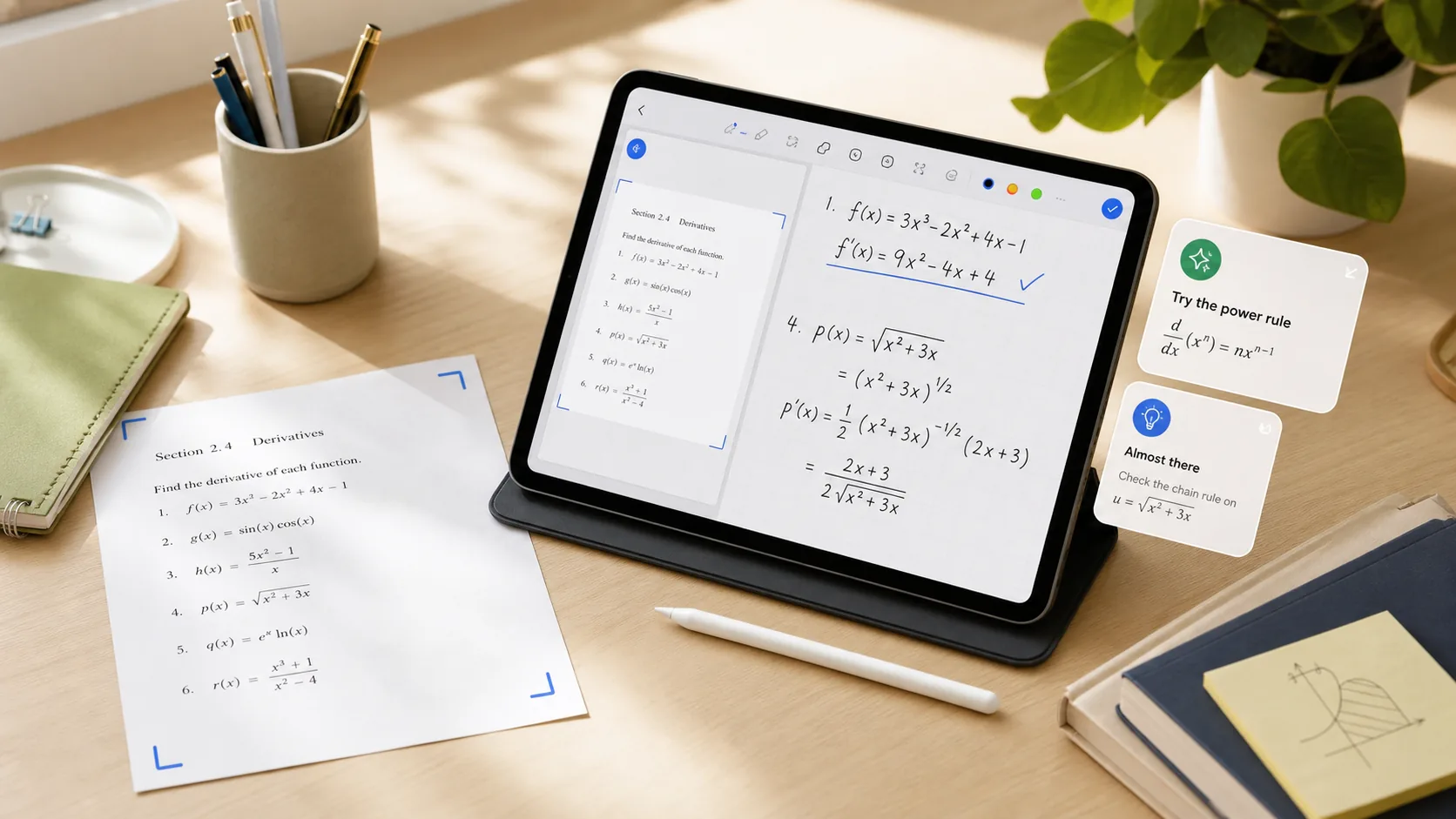
CalcuMentor responds to the handwritten reasoning already on the canvas.
Choose a starting nudge, a hint, a visual, attempt feedback, or a deeper explanation.
The goal is a useful next step—not an answer that replaces the thinking.
See it in action
Short, focused videos show what CalcuMentor does without making you hunt through a long feature list.

A short introduction to patient, always-available math guidance for learners—and clearer learning signals for teachers.
A short introduction to patient, always-available math guidance for learners—and clearer learning signals for teachers.
Start where you are
For teachers and tutors
Create classes, share assignments, and review class, student, and problem-level evidence from one focused teacher workspace.