Video library

See one workflow at a time.

Short, product-accurate walkthroughs using real CalcuMentor screens. Start anywhere; every video stands on its own.

Product storyWhy CalcuMentor

Watch this 1:42 walkthrough.

Product story1:42

Why CalcuMentor

A short introduction to patient, always-available math guidance for learners—and clearer learning signals for teachers.

  • Learner-first guidance
  • Individual progress
  • Teacher visibility
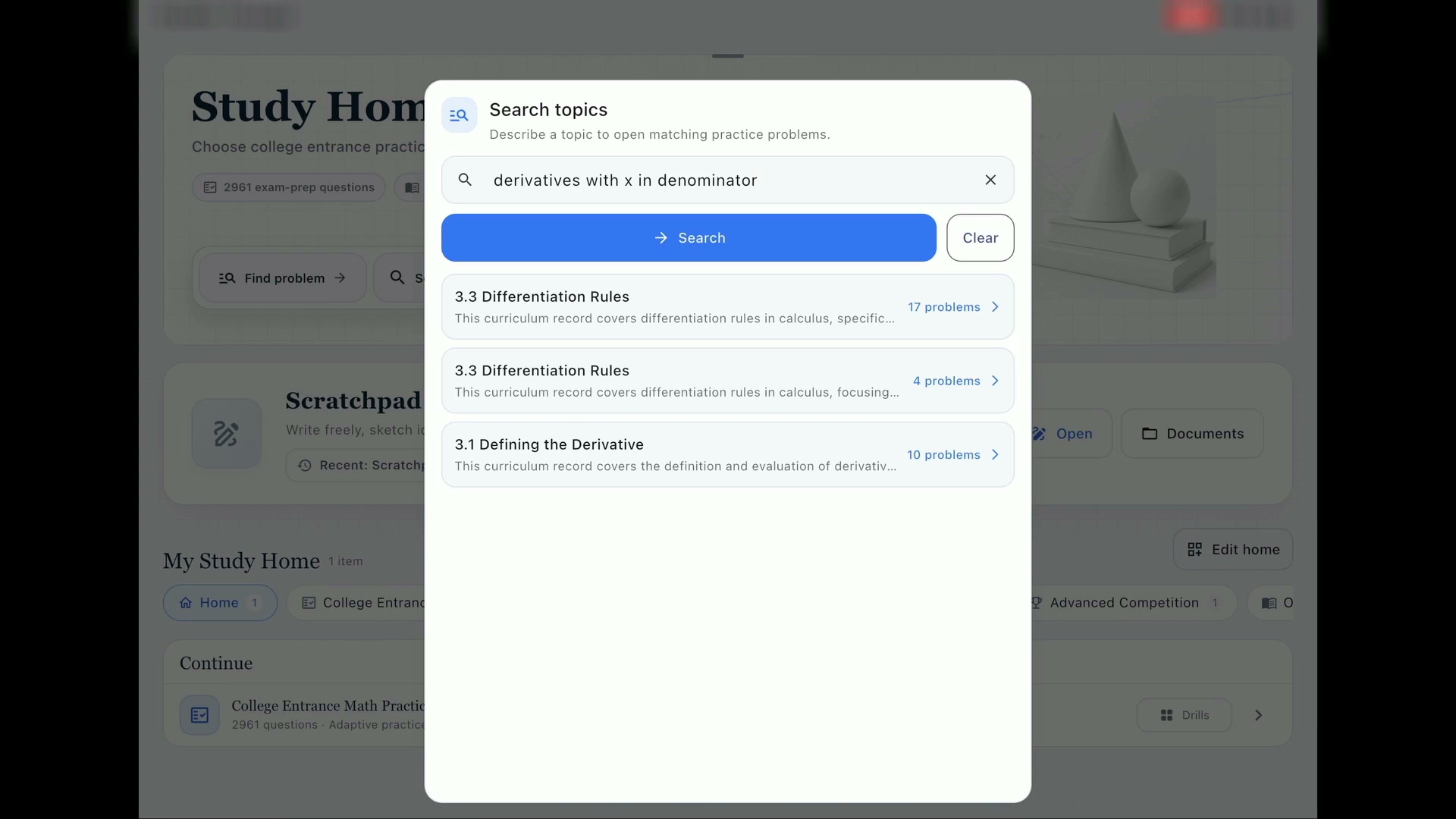
Problem discoveryFind me a problem

Watch this 0:59 walkthrough.

Problem discovery0:59

Find me a problem

Describe the mathematical structure you want to practice, then open focused problem sets assembled from existing OpenStax material.

  • Search by mathematical idea
  • Open matching problem sets
  • Practice relevant questions
Guided setupGet me started

Watch this 0:58 walkthrough.

Guided setup0:58

Get me started

Turn a difficult problem into a structured mathematical setup while keeping the final calculation with the learner.

  • Choose a controlled action
  • Model the problem
  • Keep the final reasoning
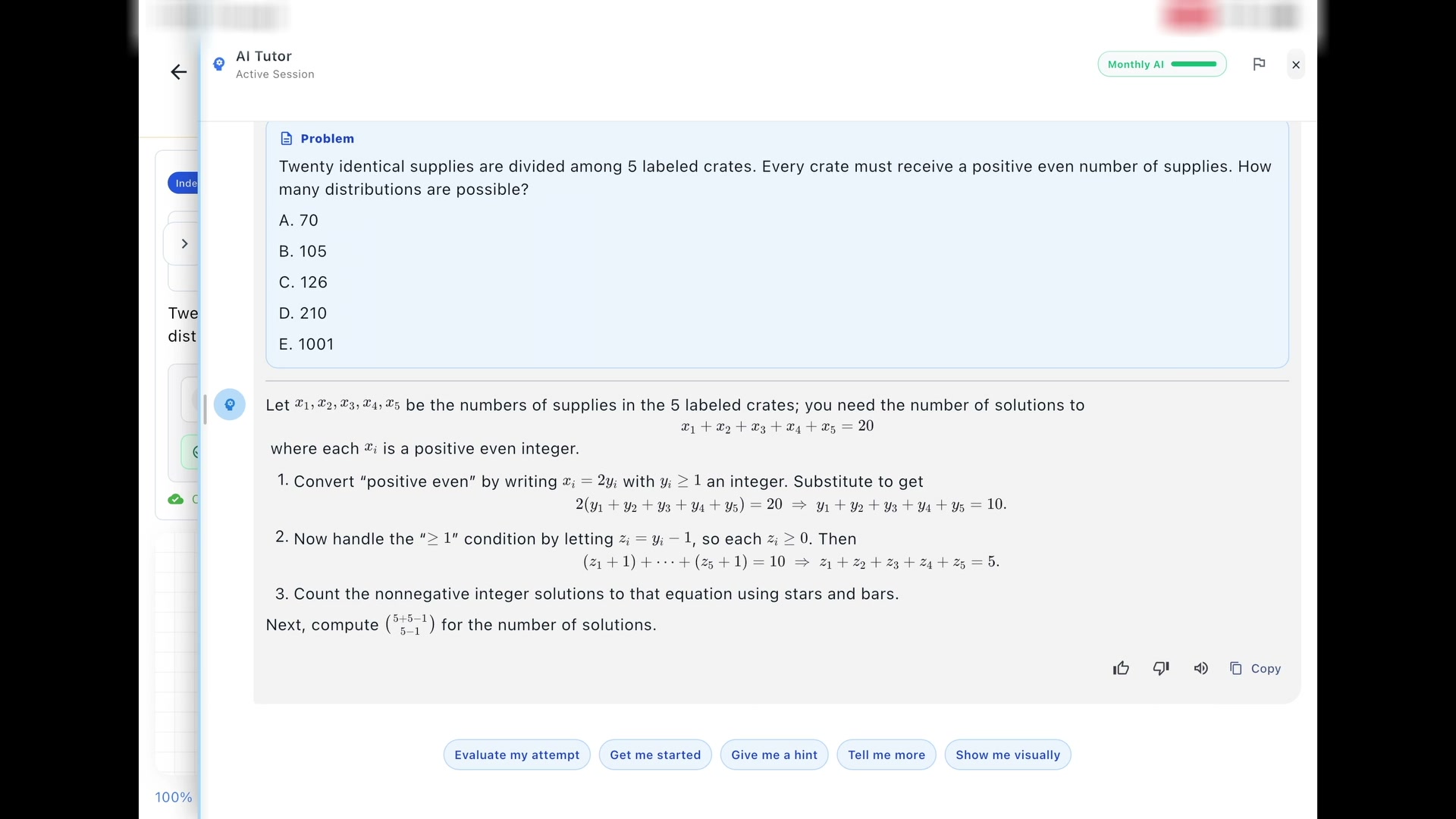
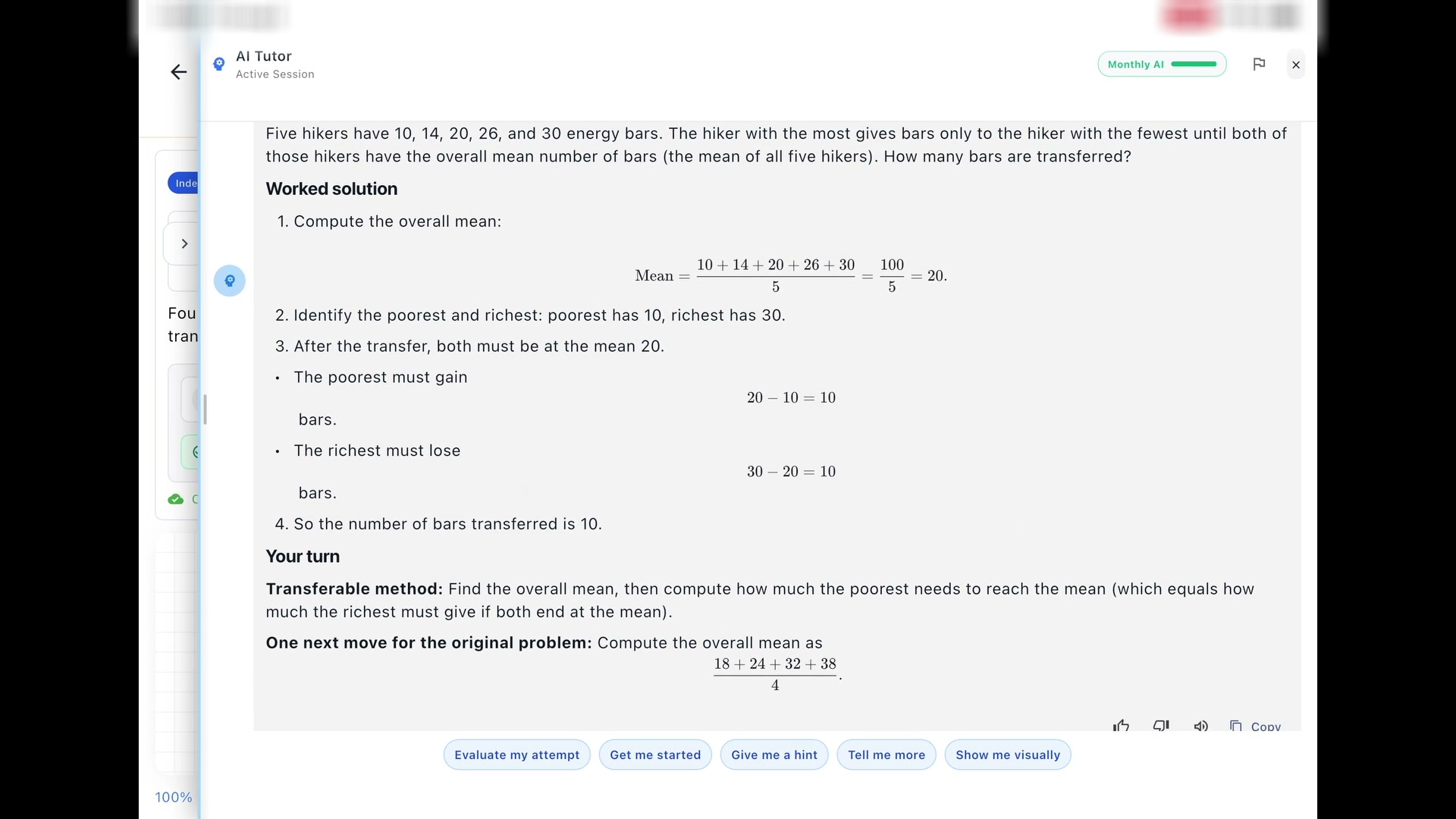
Transferable hintsGive me a hint

Watch this 0:57 walkthrough.

Transferable hints0:57

Give me a hint

Work through a different problem with the same underlying idea, then bring the method back without revealing an answer choice.

  • Learn from a similar problem
  • Transfer the method
  • Keep ownership of the answer
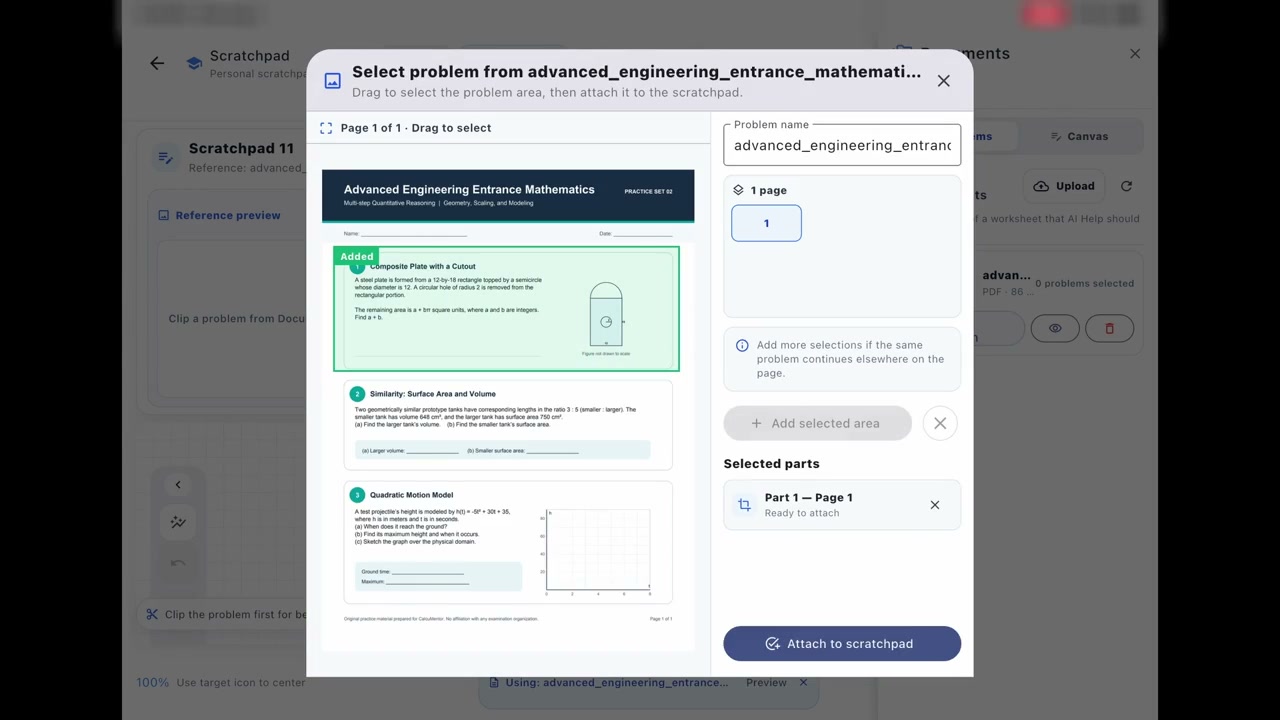
ScratchpadBring in your own worksheet

Watch this 0:54 walkthrough.

Scratchpad0:54

Bring in your own worksheet

Open a worksheet from Files, select one problem, and keep the original question visible above the working canvas.

  • Import from Files
  • Select one problem
  • Work beneath the source
Guided feedbackEvaluate your attempt

Watch this 2:02 walkthrough.

Guided feedback2:02

Evaluate your attempt

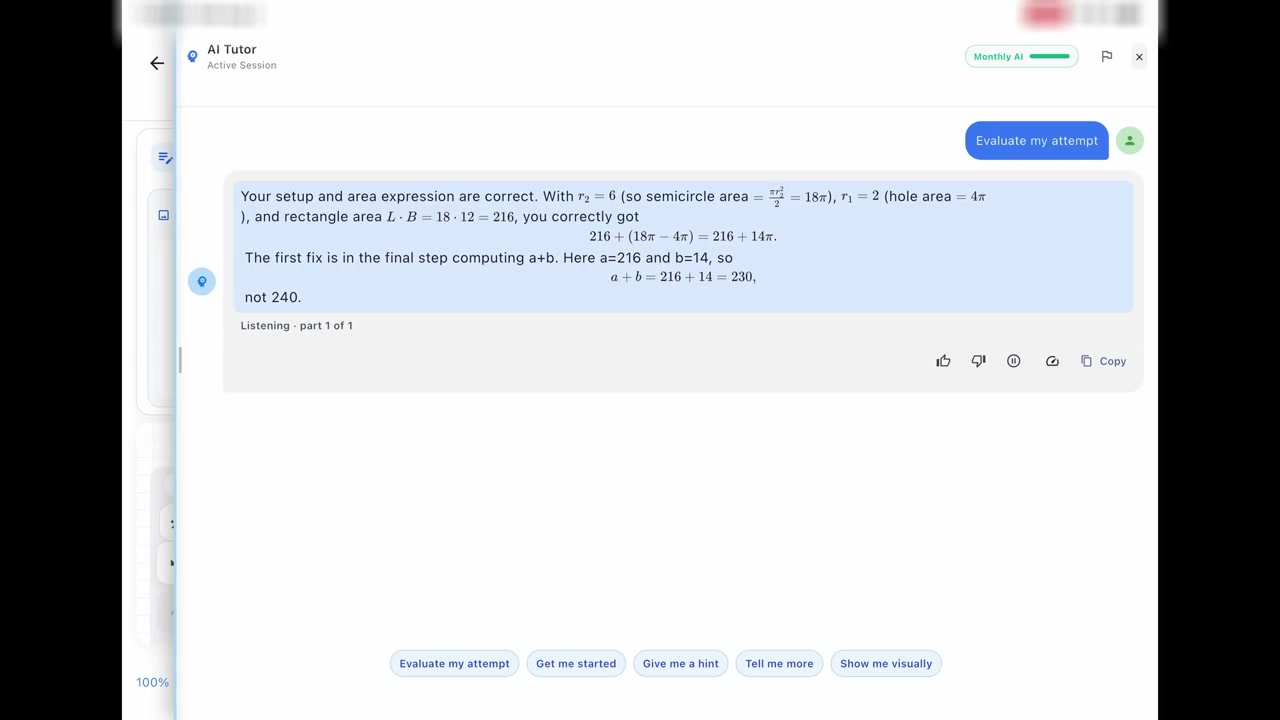
See CalcuMentor review handwritten reasoning, preserve what is correct, and point to the step that needs attention.

  • Use the work on the canvas
  • Keep correct reasoning
  • Find the next correction
Visual explanationsGraphs made on the fly

Watch this 2:52 walkthrough.

Visual explanations2:52

Graphs made on the fly

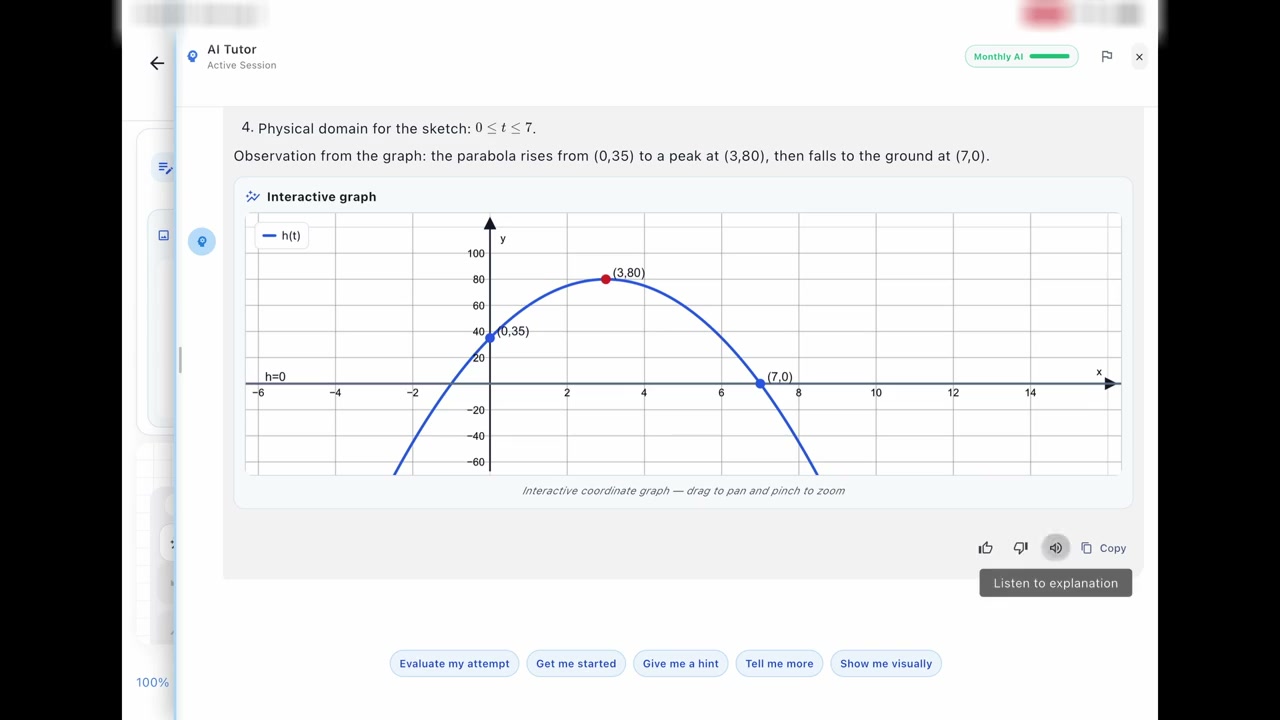
Watch CalcuMentor create a graph for the current problem, then use the visual alongside the explanation.

  • Generated for the problem
  • Clear coordinate view
  • Visual and narrated guidance

Try the workflow

Bring the next problem with you.

Open CalcuMentor on iPad and begin from a course, worksheet, or blank Scratchpad.